Plex Media Server Mastery: Avoiding the 5 Pitfalls Every New User Encounters

Unlocking the Full Power of Your Plex Media Server: 5 Essential Lessons Learned
Building your own Plex media server is like opening the door to the ultimate home cinema and streaming experience. But even seasoned tech enthusiasts can stumble into some rookie mistakes when spinning up their first library. After nearly a decade in the world of tech, games and streaming solutions, here’s what really matters when it comes to Plex—and how you can sidestep the mistakes that can turn binge nights into troubleshooting marathons.
1. The Critical Art of Media Organization
Plex thrives on structure. Early on, one of the biggest pain points is having media scattered randomly: movies and TV files jumbled together, chaotic file names, and folders that make zero sense. While Plex is smart enough to scrape metadata, it can’t work miracles out of chaos. The software relies on your folder names and proper file naming conventions to quickly and accurately identify content. Embrace automated tools such as FileBot or Sonarr for TV series, which keep your collection clean without demanding constant manual oversight. An organized library means faster searches and smoother integration across devices—ideal not just for collectors, but for anyone obsessed with streaming quality and convenience.
2. 4K Obsession: Bigger Isn’t Always Better
The allure of storing your library in glorious 4K Ultra HD is embedded in the DNA of any film or streaming buff. But, here’s the catch: unless you’re watching on a premium OLED TV with full Dolby Vision support and booming surround sound, the upgrade from a decent 1080p file to a massive 80GB 4K file may not be worth it. In fact, unless every device in your home is optimized for 4K playback, you’re mostly filling up valuable storage for a difference that might barely register from your couch. Modern HD TVs still render beautifully from well-ripped 1080p sources. Save yourself terabytes of space and focus on quality rips rather than sheer resolution, unless true cinematic fidelity is your endgame.
3. Underestimating Storage Demands
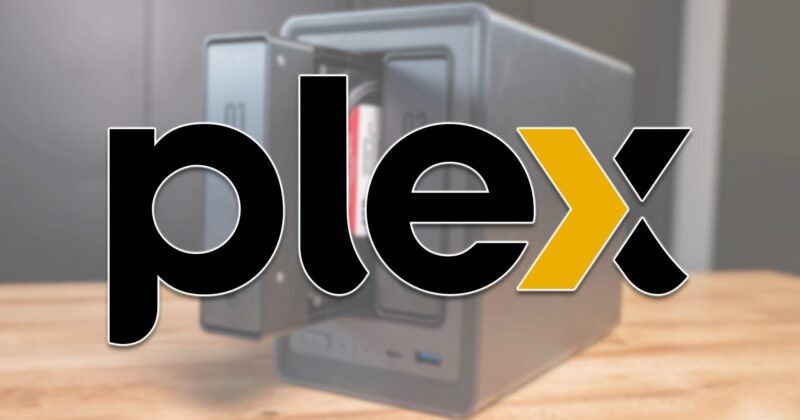
When you opt for 4K (or even high-bitrate 1080p), storage fills up at alarming speeds. A single UHD Blu-ray rip can hit 90GB, and it quickly adds up if you’re digitizing entire box sets from your physical collection. Factor in duplicate files—like keeping both 4K and 1080p copies to bypass transcoding limits—and that spacious NAS build starts feeling cramped. Invest in network-attached storage (NAS) solutions like the UGREEN NASync DXP4800 Plus, which offers four drive bays, high-speed M.2 slots, and upgradable DDR5 RAM to support a truly expansive library. It’s not just about throwing drives at the problem—use media management software to avoid needless duplicates and prioritize efficient file storage.
4. The Importance of Transcoding Power
The magic of Plex is seamless streaming to virtually any device, but transcoding—converting media on the fly for device compatibility—is a serious hardware chore. Many entry-level or older NAS systems can’t keep up, especially with 4K content. This often results in stutters, failed streams, or even needing to disable transcoding, which limits access for anyone not using compatible hardware. If you want your Plex to truly cater to every tablet, TV, or mobile device in your home (or outside it), invest in robust CPUs with hardware acceleration, like the Intel Quick Sync-enabled processors or Ryzen chips paired with ample RAM. Alternatively, keep dual formats for your most-watched content—but expect storage to take another hit.
5. Selective Sharing for Smoother Streaming
Sharing your high-bitrate 4K library with every device in your household sounds generous—until the network or player limitations kick in. Most smart TVs and set-top boxes in typical homes can’t handle unfiltered 4K streams without assistance from the server, and that’s where both bandwidth and server grunt become bottlenecks. Restrict 4K access only to compatible devices, and set up separate libraries for 1080p viewing on less-capable screens. This ensures uninterrupted streaming and keeps server overload at bay. Remember, local network speed (LAN) is crucial, but device compatibility is just as important.
Plex Success Is in the Details
A finely tuned Plex server is a blend of technical know-how, careful planning, and a dash of pragmatism about what your home setup—and your audience—really need. Invest in reliable hardware, embrace smart storage solutions, and don’t let a drive for ultra-high quality override practicality. Master these fundamentals, and you unlock the full potential of personal streaming—anywhere, any time, on any device.